A full Windows desktop — applications, files and settings — that follows each person to any device and any location, while the data itself never leaves the protected environment.







Every laptop that leaves the office carries client data with it. Every home PC used for remote work adds an unmanaged device to the firm’s attack surface. Every new hire means imaging another machine; every departure means wondering what was left on the old one.
Virtual desktops invert the model: instead of moving data to devices, people connect to where the data safely lives. The laptop becomes a window. Lose it, and you’ve lost hardware — not client files.
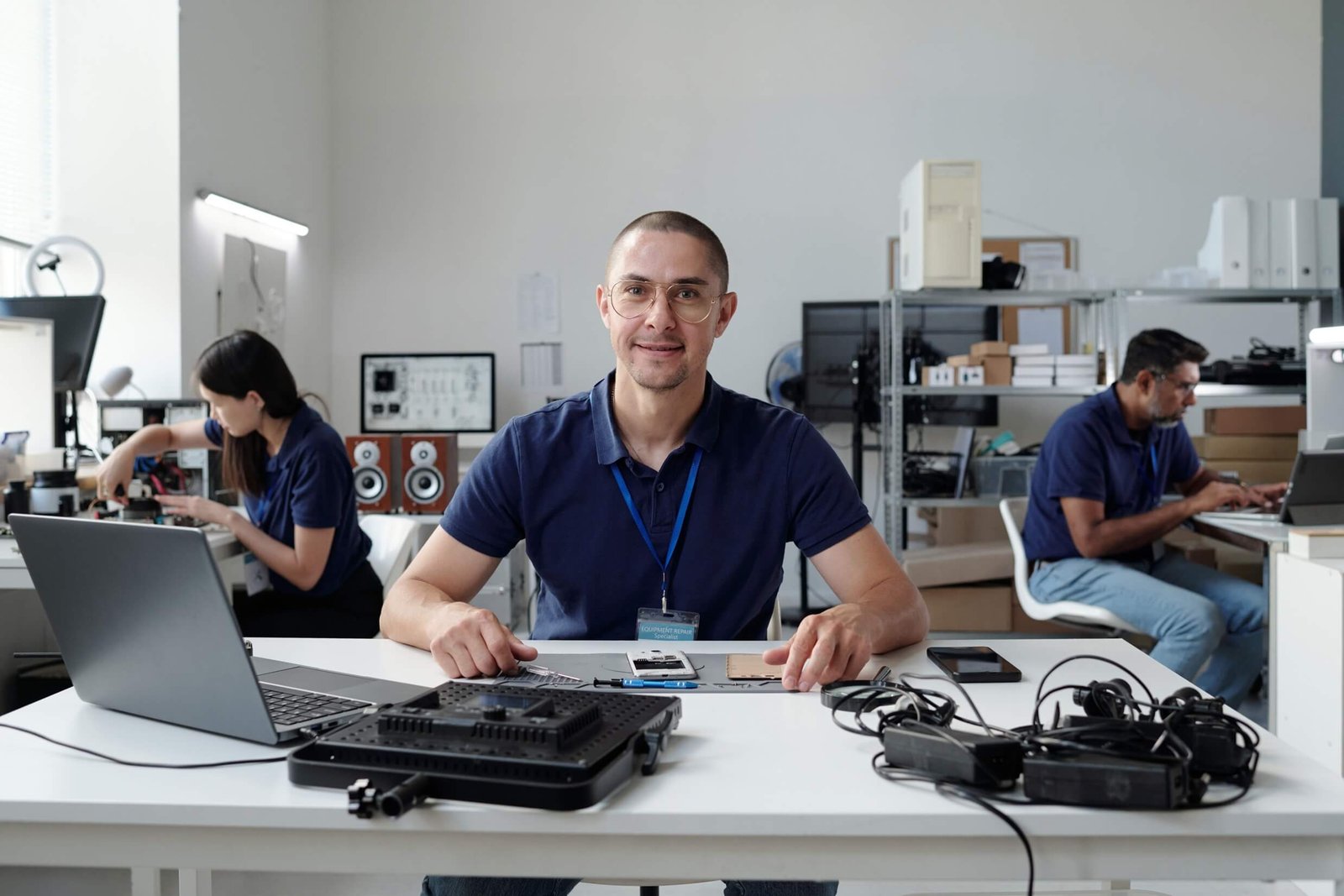
MangoCloud provides each user a persistent Windows desktop running in our managed cloud: their applications, their files, their settings — identical whether they connect from the office workstation, a home computer, or a tablet at a client site. Sessions are encrypted and protected by multi-factor authentication.
Applications are installed and updated centrally once, not per machine. IT effort per employee drops sharply, security posture rises, and the experience staff get is a familiar Windows desktop — not a stripped-down web portal.
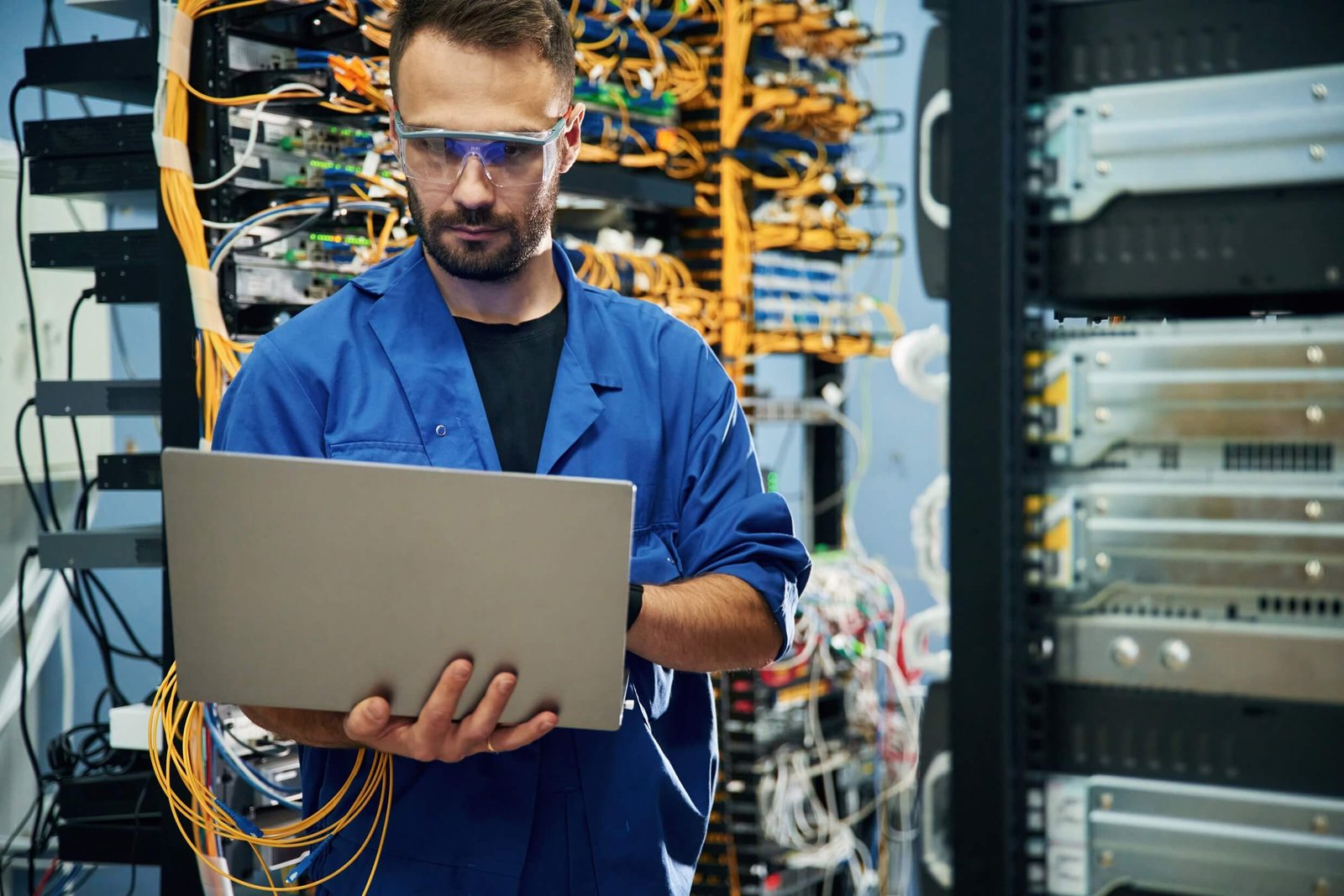
Office, home or travel: staff open the same environment with the same performance profile.
Desktop resources scale for busy season without buying anyone a new computer.
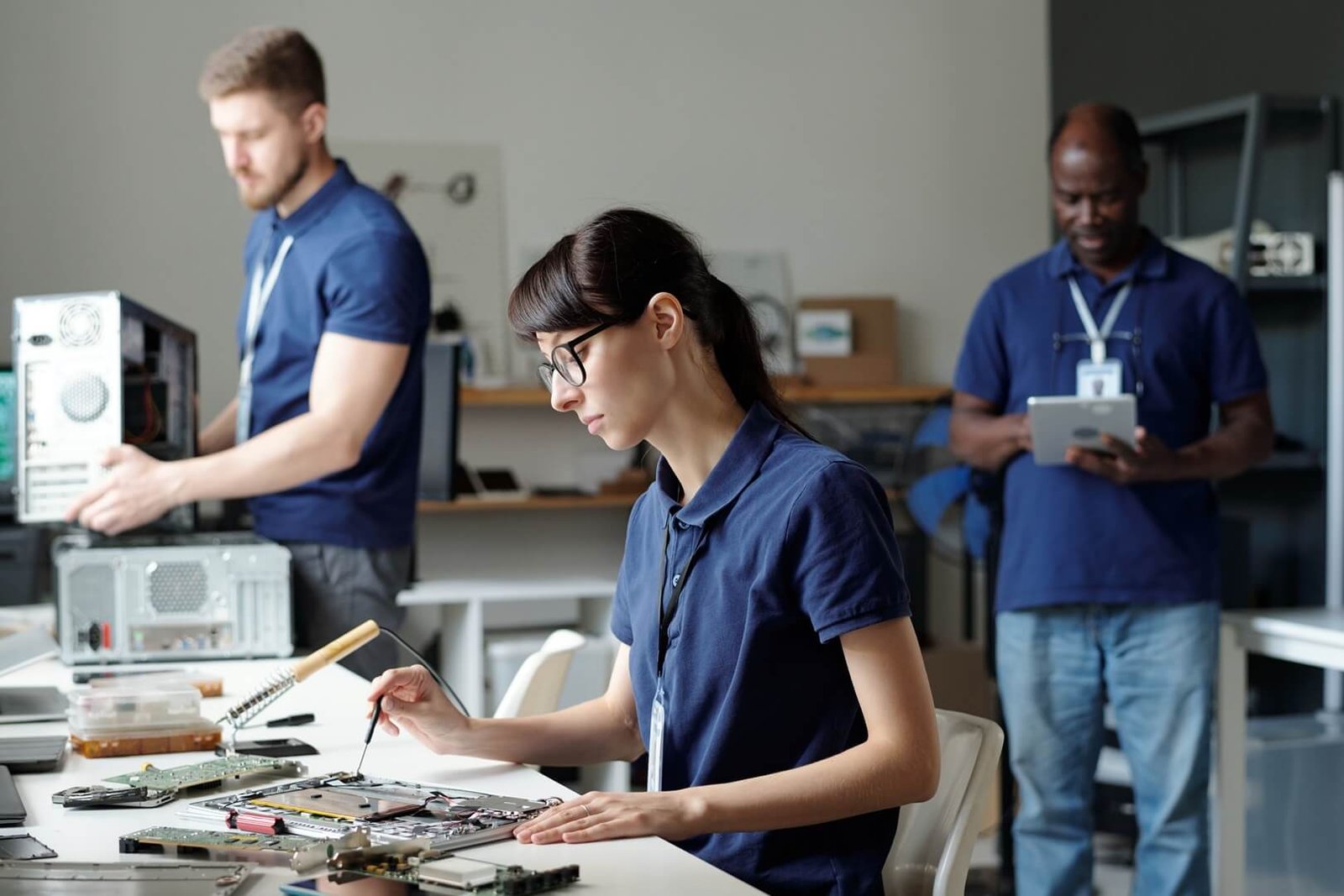
Encrypted connections with MFA protect every session from every location.
Full, familiar Windows — taskbars, file explorer, multi-monitor support — not a compromise interface.
Consistent access from Windows, macOS, iOS, Android and thin clients.
One managed software baseline; no version drift between employees.
Desktops are backed up in the hosted environment; device loss no longer means data loss.
Adding a person means provisioning a desktop, not procuring and imaging a machine.
CPU, memory and graphics resources adjust per user role and season.
Local and network printing, scanning and common peripherals are configured during onboarding — the detail that makes or breaks daily use.
Enforced for all remote access to hosted servers.
Data encrypted in transit between users and the environment, with encrypted backups at rest.
Managed EDR watches hosted systems for suspicious behavior.
Backup copies are separated from production infrastructure to limit blast radius.
Client files remain in the hosted environment, shrinking the impact of lost or stolen hardware.
Every connection requires multi-factor authentication.
Security settings, screen locks and controls are enforced on every desktop uniformly.
Traffic between device and desktop is encrypted in transit.
Give distributed staff full-power access without shipping managed laptops or opening VPN holes.
Provision desktops for temporary preparers in minutes; deprovision them completely the day they leave.
Let staff use personal devices while firm data never touches them.
Extend the life of older PCs — the desktop's power now comes from the cloud.
/month
Best for growing businesses
/month
For full-scale tech operations
/month
For full-scale tech operations
/month
For full-scale tech operations
We don’t just fix tech we bring clarity, confidence, and continuity to your business operations.
We treat printing and scanning as first-class requirements, because for accountants they are.
Desktop resources are planned around your filing calendar.
Desktops, applications, backup and security under one accountable provider.
Run your firm’s Windows workloads on cloud servers our team designs, secures and manages end to end — so partners think about clients, not hardware.
Tax preparation, accounting, document management, Microsoft Office — installed together in a secure hosted environment that every preparer, reviewer and admin can reach from anywhere.
Help desk, administration, patching, monitoring and honest guidance — delivered by a team that supports accounting firms all day, every day.
Tax and accounting firms hold exactly the data attackers want. Security as a Service puts managed detection, identity protection and continuous monitoring around it — without you hiring a security team.
Properly sized, no. Desktops run on server-grade hardware close to the data, so tax software often performs better than on aging office PCs. We size per role and validate performance during the pilot.
Yes. Multi-monitor setups are supported and commonly used by preparers and reviewers.
The session pauses; work continues running safely in the cloud. Reconnecting resumes exactly where the user left off — unsaved work included.
Yes. Local and network printing is configured during onboarding, and scanning into hosted applications is supported.
Application hosting publishes specific programs; virtual desktops provide the entire Windows desktop. Firms wanting one uniform, fully managed workspace typically choose desktops; some combine both.
Tell us about your users, applications and devices. We’ll design a hosted desktop environment with a pilot you can judge for yourself.
Secure Cloud Hosting Built for Accounting and Tax Firms. Managed cloud, application hosting, backup and cybersecurity for accounting and tax firms across the US.